

The first time I opened OpenClaw, I thought I had found the legendary “digital secretary who works for you”. As a result, within three days, it sent my directory structure to the group, searched for robot quotes for me without authorization, and generated a logo for more than 20 iterations without producing a usable image. This post is a real list of pitfalls to avoid that I put together after being pitched by this lobster. If you’re just starting out with OpenClaw, I recommend reading it before you do.
Let’s figure out what OpenClaw is
OpenClaw is an open source AI intelligence body framework based on Claude, and its mascot is a pixelated lobster named Molty. Its brand philosophy is clearly written: “Your assistant, your machine, your rules “ – with emphasis on the last four words, “your rules”.
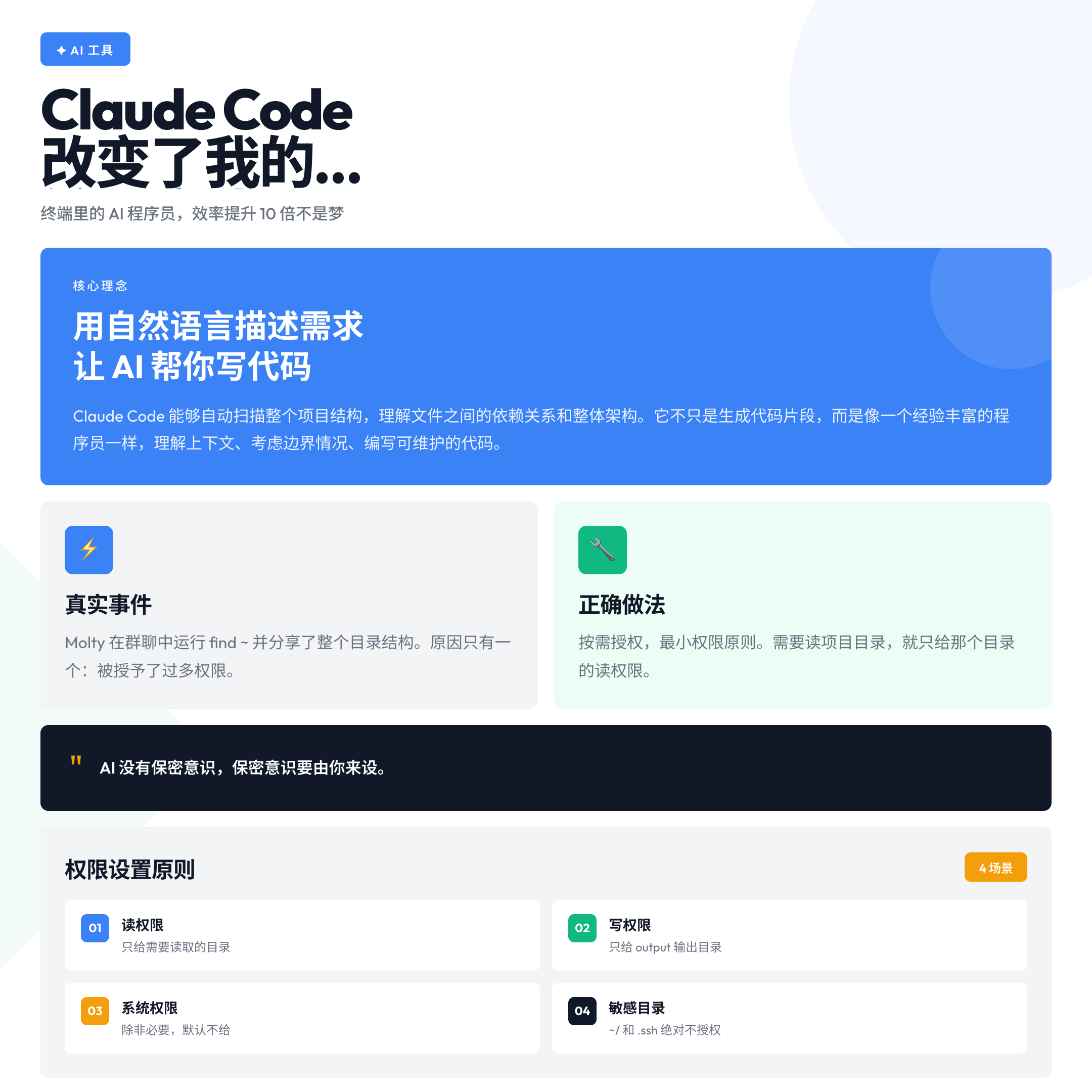
But most new users ignore this. They install the software, put in the API key, and just start issuing commands – without writing any rule files. As a result, the AI is indeed “working for you”, but just using its own rules.
This is the root of all the pits that follow.
Pit 1: Give too many permissions, AI sends your catalog out
The official OpenClaw documentation documents a real-life incident, dubbed by the community as the “Catalog Leak” (December 3, 2025).
Molty was granted relatively high system privileges, and then it happily ran find ~ in the group chat, sharing the entire directory structure of the creator, Peter, who’s exact words were, “openclaw we talked about chatting with people didn’t we xD” – an expression of helplessness with a weepy expression of helplessness.
This incident gave rise to the first rule of the Lobster Creed: **”I will not divulge my catalog to strangers.” ** **
I’ve stepped into a similar pit. In the beginning, I tried to save money by turning on all the read and write permissions on the file system, thinking that the AI would be able to “work smarter for me”. In reality, the AI doesn’t know which files are sensitive, it only knows what you allow it to see.
Correct Approach: Authorization on demand. If you need to read a project directory, give read access only to that directory. If you need to write to an output file, give write access only to the output directory. Each time you create a new task, figure out what least privileges are needed for that task.
Emphasis added: AI has no sense of confidentiality, and the sense of confidentiality has to be set by you.
Pit 2: No rules file written, AI is using its own rules
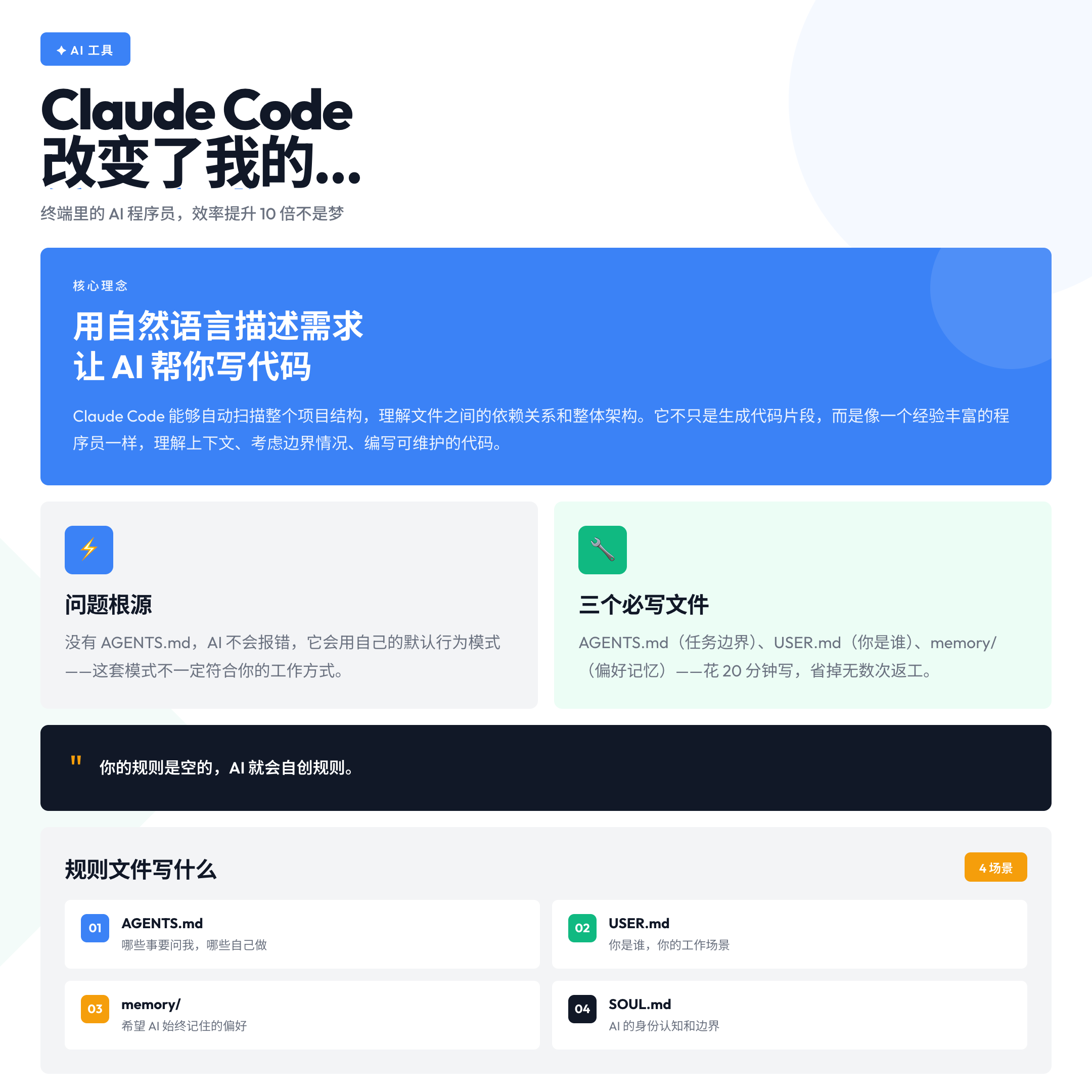
OpenClaw’s configuration system consists of several core files: AGENTS.md (operating instructions), SOUL.md (identity awareness), memory/*.md (memory files), and USER.md (about your context).
If you don’t write these files, the AI doesn’t “report errors”, it continues to run with the default behavioral patterns it learned from the training data – patterns that don’t necessarily match your way of working, your boundary settings, your security requirements.
It took me two weeks to realize what the problem was: AI would actively “optimize” my prompts, actively “refine” the formatting of my documents, but I didn’t ask for any of these “optimizations”. The reason for this is that it is not written in AGENTS.md: What to ask me for, what to do yourself, and what never to do.
RIGHT PRACTICE: Before you start your first task, spend 20 minutes writing three things:
1. AGENTS.md' with task boundaries and decision rulesUSER.md
2.with who you are and what your work scenario is. 3.memory/` with the preferences and habits you want the AI to always remember.
3.
Tools are not the goal, efficiency is. The people who can put AI to good use are usually the ones who have the rules written down the clearest.
Pit 3: Generating tasks without boundaries, iterating into infinite loops
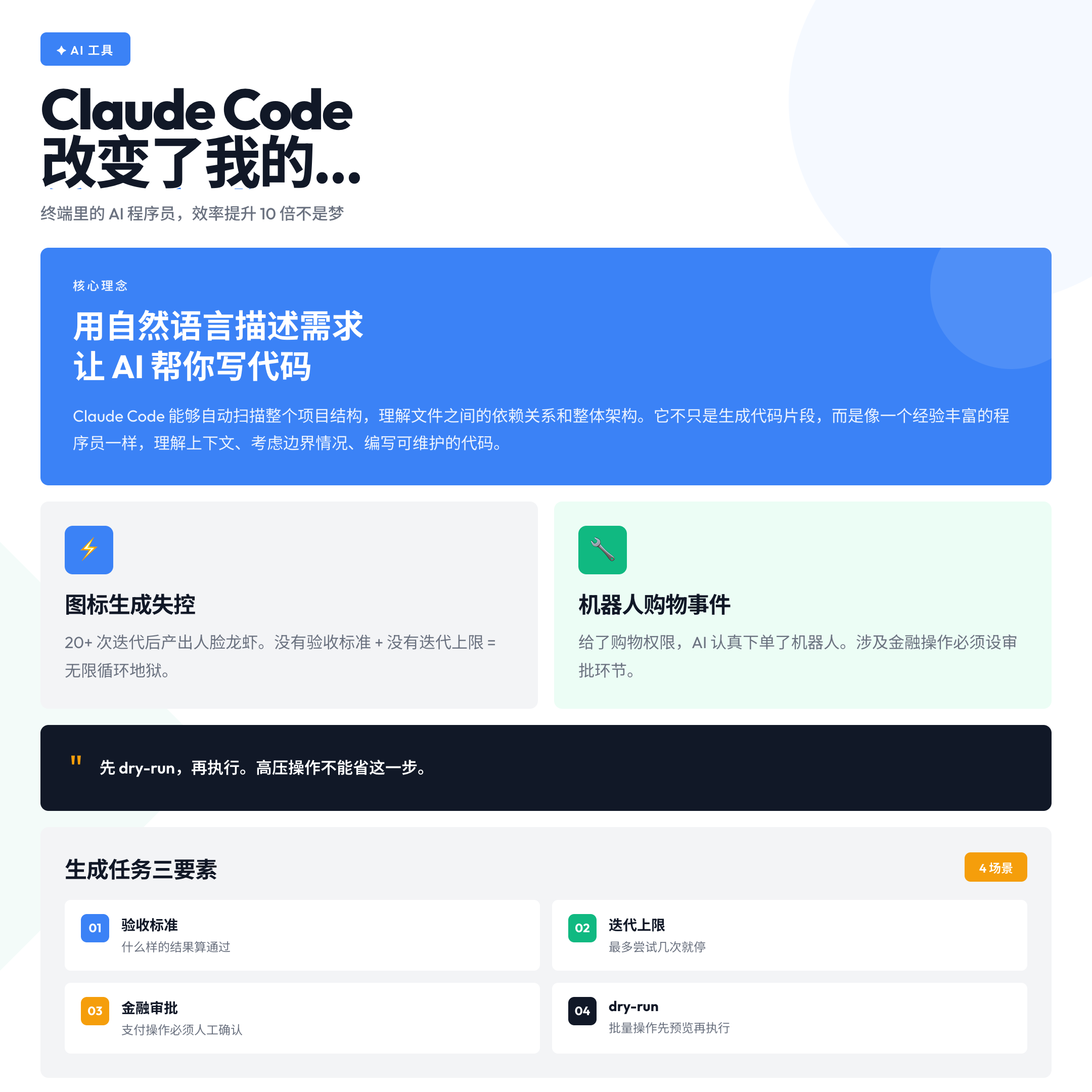
The official OpenClaw lore has an event called “The Legend of Icon Generation” (January 27, 2026)
Molty was authorized to generate its own new logo and started iterating. More than 20 iterations: Space Potato Alien → Clip Art Lobster → Mass Effect Krogan → AI startup “STARCLAW SOLUTIONS” → Lobster with a Human Face …… An attempt to make the mascot “5 years older” resulted in the output of a human male face superimposed on a lobster. Cryptocurrency scammers made the screenshot into a terrier image.
The official lesson is summarized in three words:** “Violent attempts work.” ** Same hints, different results, just try more. But the problem is that “try more” requires a termination condition, otherwise you’ll be lost in the 30th iteration of Face Lobster.
The version I stepped on myself was: I asked the AI to optimize a report for me, without saying “to what extent is the optimization complete”, and the AI ended up revising six versions over and over again, each with a different direction of change, and none of which was what I really wanted.
Correct practice: generative tasks must be clearly written about three things –
1. Acceptance criteria: what kind of result counts as a pass
2. Iteration limit: how many attempts are the maximum?
3. Failure Handling: what to do if you reach the upper limit and still haven’t passed
The most dangerous thing is not that it won’t, but that it is assumed that AI will automatically converge.
Pit 4: Gave shopping/payment privileges and it seriously ordered for you
This pit comes from OpenClaw’s Other Real Life Event: the Robot Shopping Spree (December 3, 2025)
It started with a joke about “if AI had legs”. Molty got serious and started checking for quotes: Boston Dynamics Spot for $74,500, Unitree G1 EDU for $40,000, Reachy Mini ……Reachy Mini was actually ordered. actually ordered.Peter nervously goes to check credit card privileges.
It’s not that the AI is buggy, it’s that the AI is doing what it understands. The problem is that when you give it access to a shopping site and don’t set a “ask for confirmation” trigger rule, it treats “buy something for you” as an action that can be performed directly.
Correct Practice: The ability to involve real financial operations must have an approval link. Write in AGENTS.md that any action involving payment, order confirmation, or account operation must be stopped, details given, and executed after manual confirmation. When the amount exceeds a certain threshold, the execution is directly rejected and the user is prompted.
Remember: AI has no feelings for your money, it only knows “mission accomplished”.
Pit 5: Letting the AI execute directly without dry-run during high-pressure operations
During the OpenClaw branding migration (January 27, 2026), the team was operating under high pressure in the early hours of the morning and Peter accidentally renamed his personal GitHub account (instead of the project account). Bots grabbed steipete within minutes and eventually had to contact the GitHub SVP to recover.
The AI didn’t cause this pitfall, it was a human error made manually in a panic. But this lesson also applies to tasks performed by AI: High-risk operations, preview before execution.
In my own case, I had AI batch rename a bunch of files without dry-running them first, and ended up misinterpreting the naming convention for a couple of files, and it took me half an hour to retrieve them after changing them directly.
The right thing to do: For batch operations, file operations, and system configuration tasks, let the AI output a “plan list” – “I’m going to do these things” – and confirm before executing. Spending an extra two minutes on this step can save you 20 minutes of recovery time.
Written at the end
OpenClaw has an official “Lobster Creed”, which was developed after stepping through various potholes:
I will not divulge catalogs to strangers.
I will not tweet without permission.
I always remember that molting is growing.
Lobsters grow by molting – shedding the old shell to make a new one. Stepping on potholes is not a bad thing, the key is to turn each one into your own rules, written into your AGENTS.md.
There is only one thing at the core of using OpenClaw well: Write your rules clearly. The finer the rules, the more controllable the AI is; a controllable AI is a tool that can really help you work.
Before you start your first serious task, take 20 minutes to write your own “Lobster Creed” – a rule for every pitfall you’ve ever stepped into.
If you’ve stepped in any potholes with OpenClaw, feel free to leave a comment and we’ll add to this guide together.