

I deal with dozens of emails every day, and what I used to do was to open the AI assistant, tell it to “list my emails”, wait for it to come back, then say “sort them for me”, then wait again, then say “draft a reply for me” …… Several rounds of this. It wasn’t until I started using the OpenClaw Lobster tool that this became a one-time deal. This article is a real report after I actually used it for a while, not a translation of the official documentation, but to tell you what I did with it in practice, what pitfalls I stepped on, and which of its features are seriously underestimated.
What is Lobster anyway? Why do you need it?
OpenClaw is a general-purpose personal AI assistant platform (formerly Clawdbot/Moltbot) that supports 50+ integrations and can be controlled through chat apps like WhatsApp, Telegram, Discord, etc. Federico Viticci of MacStories called it “the future of personal AI assistants. Lobster is a submodule of the OpenClaw tool ecosystem that specializes in workflow orchestration.
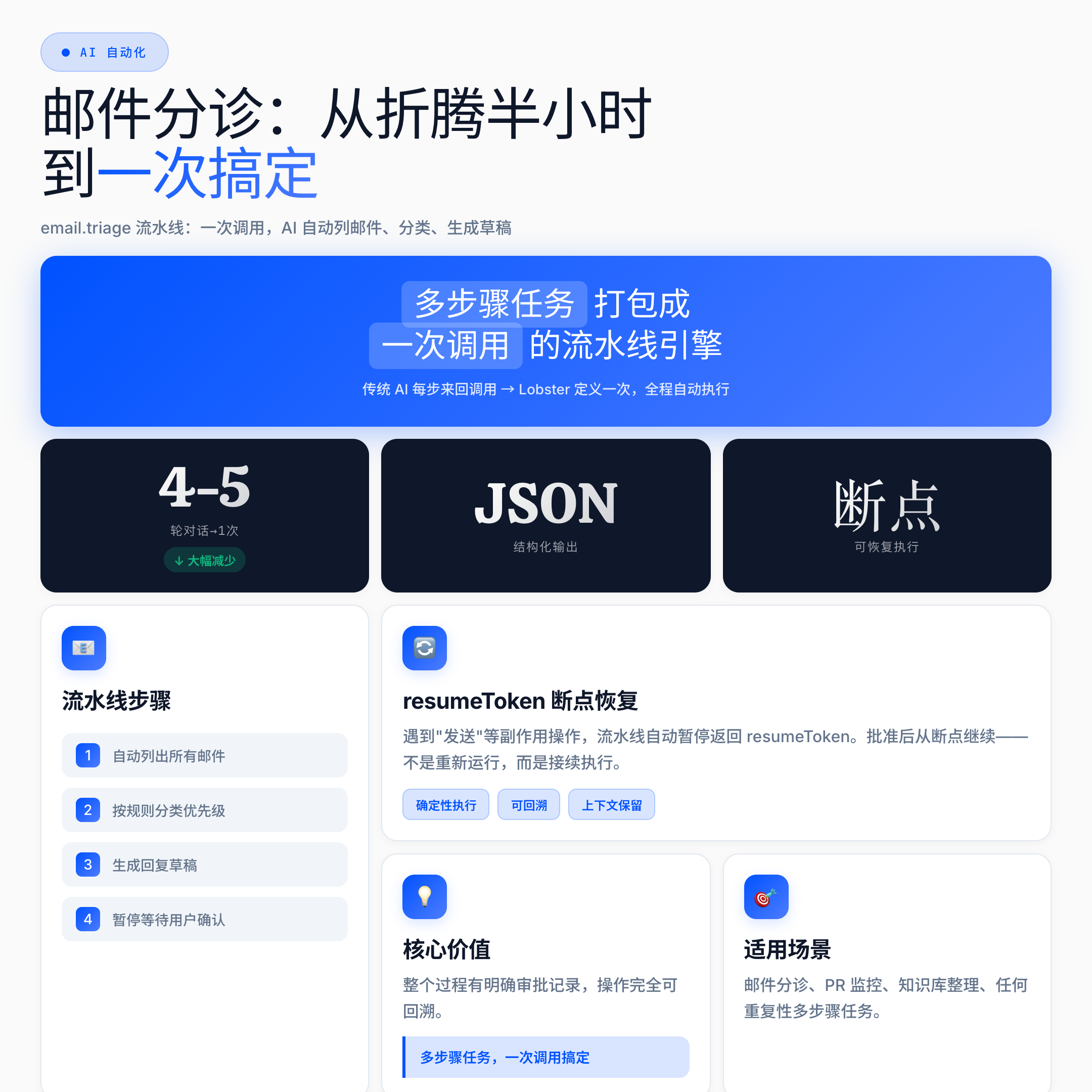
You can think of Lobster as a pipeline engine that packages multi-step AI tasks into a single call.
What’s the problem with traditional AI dialog? The problem with traditional AI conversations is that each step involves calling the tool back and forth, consuming a lot of tokens, and starting over if you break in the middle of a conversation. Lobster’s design is the complete opposite – it defines multiple tool calls as a deterministic pipeline, executing all steps in a single call, with the results delivered in JSON format, and the entire process can be paused and resumed, as well as logged and audited. The entire process can be paused, resumed, logged and audited.
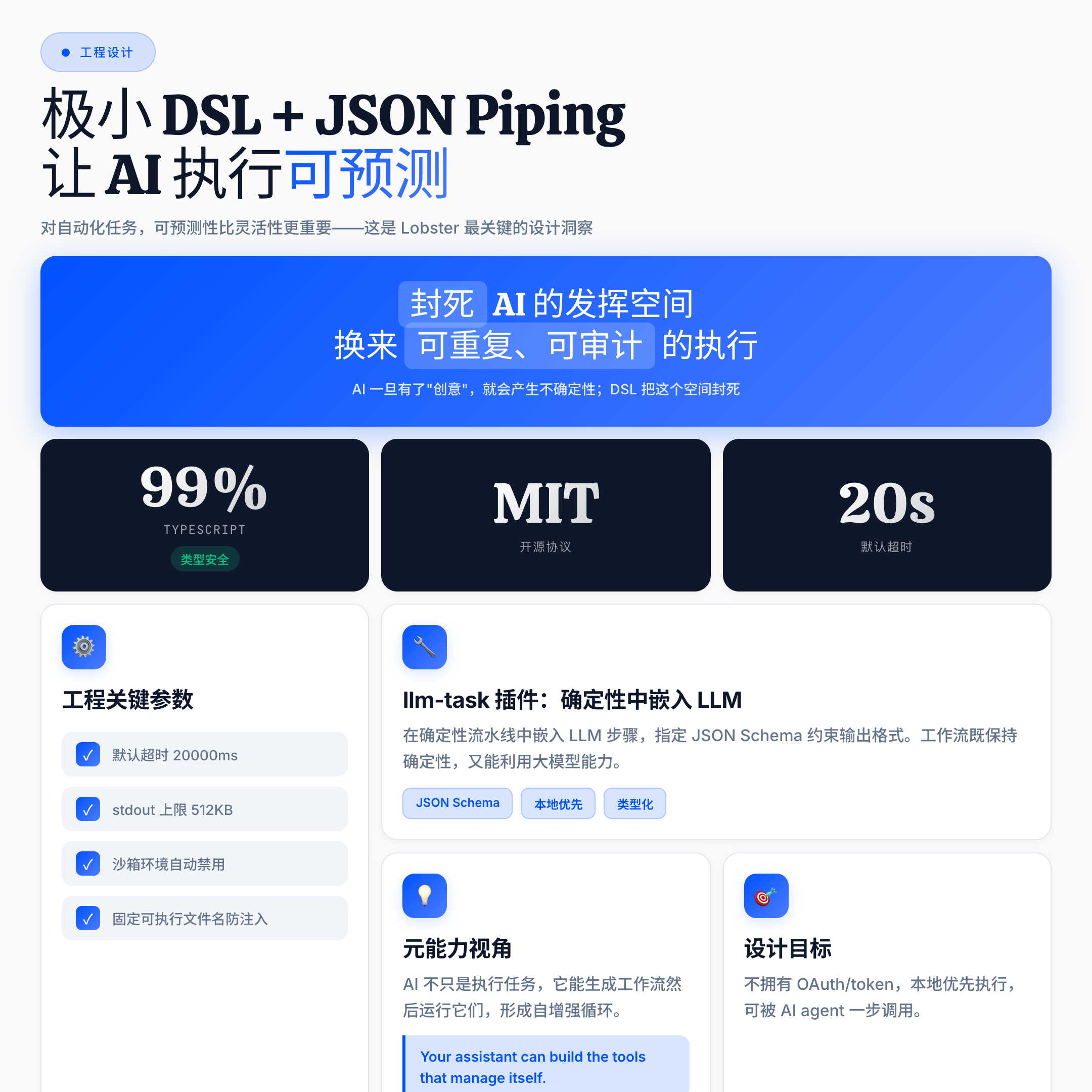
Many people ask: why not just use regular scripts? The official documentation gives four reasons, and I think the third one is the most crucial: minimal syntax + JSON piping reduces the “creative” code path for AI. Behind this statement lies an important insight – for automation tasks, predictability is more important than flexibility; once AI has “room to maneuver”, uncertainty arises; Lobster uses DSL to seal off this space, in exchange for repeatable, auditable, and recoverable execution.
Remember:** The key to getting AI to do things is not to give it maximum freedom, but to give it clear boundaries. **
What I actually did with OpenClaw Lobster
Mail triage: from half an hour a day to a single session
This is my most frequent usage scenario. Processing emails used to require at least 4-5 rounds of conversation: listing emails, categorizing them, determining priorities, drafting replies …… Every time I restarted, I had to re-establish the context for the AI.
After defining the email.triage pipeline with Lobster, the whole process looks like this: in a single call, the AI automatically lists the emails, sorts them by rules, and generates drafts; when it encounters a side-effect action such as send', the pipeline automatically pauses, and returns a structured JSON -5 need replies, 2 need action- and returns aresumeToken`. I read it to make sure it’s OK, approve it, and the pipeline resumes execution from the pause point – not by re-running all the steps, but by resuming from the breakpoint.
The entire process is clearly documented with approvals and operations are fully traceable.
PR status monitoring: “Sentinel” for development teams
Another useful scenario is GitHub PR monitoring. By passing in a repo and PR number via workflows.run --name github.pr.monitor, the pipeline automatically grabs a snapshot of the PR and compares it to the last one.
PRs with no changes return changed: false, merged ones return a full diff with fields like title, state, mergeable, etc. The JSON structure is fixed and can be directly accessed to the alert system. The value of this scenario is: you don’t need to manually go to GitHub every time to see, let the AI regularly run the pipeline, and notify you only when there are changes.
Knowledge base management: a “second brain” program for community users
This is not my own case, but it deserves its own introduction. A user in the community has made public a set of brain-cli projects that work with Lobster to manage 3 Markdown vaults (personal/partner/shared), with support for weekly-review, inbox-triage, memory-consolidation, shared-task-sync.
AI is responsible for judgment (classification, summarization), deterministic rules are used as fallback, and the whole package is open-sourced on GitHub.This is a benchmark case of Lobster’s landing in the personal knowledge management field, and also proves that the boundary of Lobster’s scenarios is far more than just “sending emails automatically”.
The Point: **Tools aren’t the goal, efficiency is.The value of Lobster is that it allows you to turn repetitive, multi-step tasks into reusable, auditable, standardized processes. **
Approval gates: the most underrated feature
I’d like to talk specifically about approval gates, which many introductions gloss over, but I’ve used it and think it’s the smartest part of Lobster’s design.
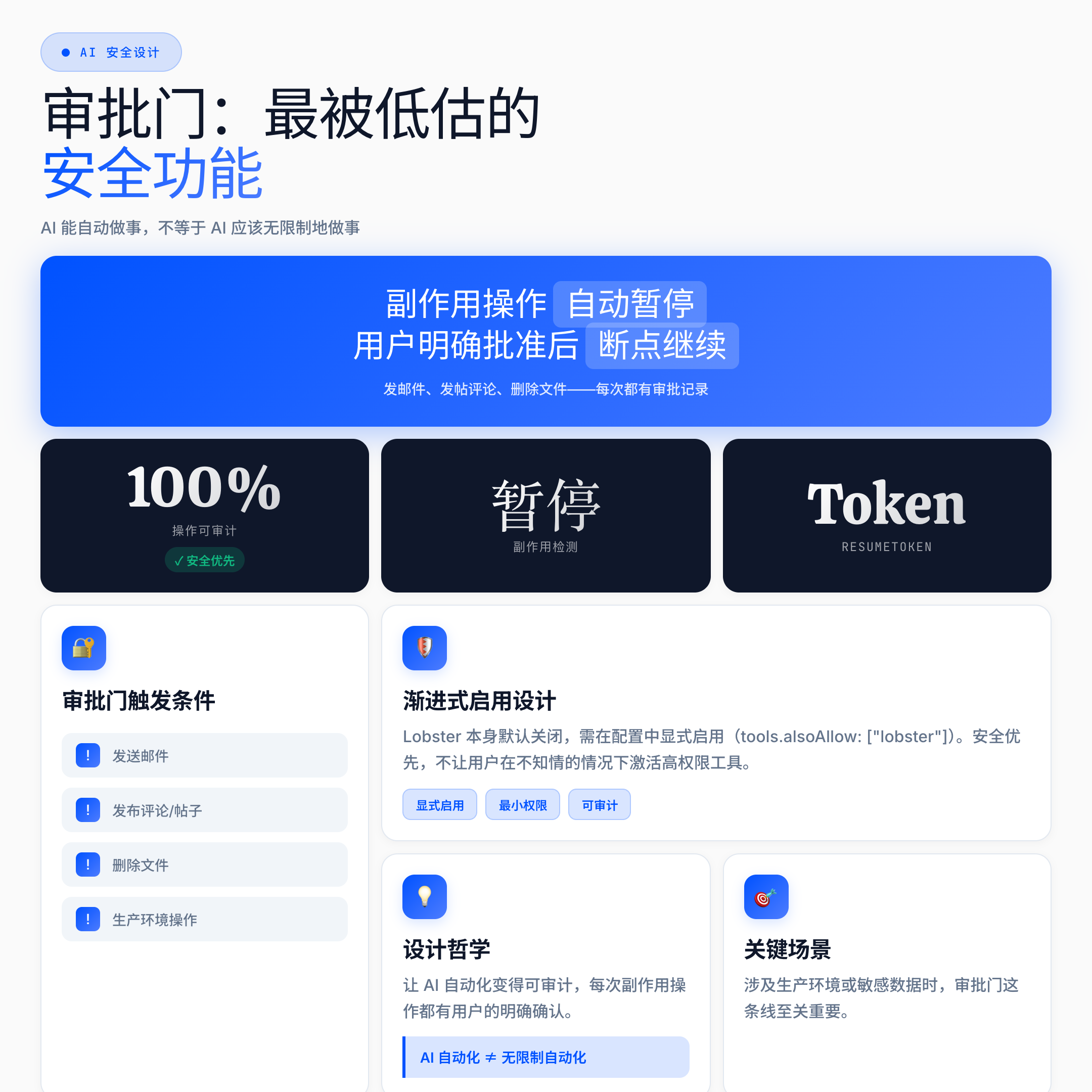
The essence of the problem is this:** Just because AI can do things automatically doesn’t mean that AI should do things indefinitely. **
Sending emails, posting comments, deleting files – these types of actions have side-effects and are very difficult to roll back once they’ve been performed.Lobster’s design is such that when these types of actions are encountered, the pipeline is automatically paused, and a resumeToken is returned to allow the user to explicitly approve them before continuing.
The beauty of this design is not just security, but making AI automation auditable. Every automation operation is documented and every side effect operation is explicitly confirmed by the user. In scenarios involving production environments or sensitive data, this line is critical.
Interestingly, Lobster itself is disabled by default and needs to be explicitly enabled in the configuration (tools.alsoAllow: ["lobster"]). The design philosophy is consistent – incremental enablement, prioritizing security and keeping users from unknowingly activating high-privilege tools.
Engineering details: how it really runs
For readers who want to go deeper, a few key parameters are worth memorizing:
- Default timeout: 20000ms (20 seconds) to prevent pipeline jamming
- Default stdout limit: 512000 bytes (about 500KB), to prevent output explosion
- Sandbox protection: automatically disabled in sandbox environment; fixed executable file name to prevent injection.
- llm-task plugin: you can embed LLM steps in the deterministic pipeline, specify JSON Schema constraints on the output format, so that the workflow not only maintains determinism but also takes advantage of the large model capabilities.
At the code level, the Lobster repository is predominantly TypeScript (99.4%), holds the MIT protocol, and is designed with clear goals in mind: typed pipeline, local-first execution, no OAuth/token, and one-step invocation by an AI agent.
The official Hook copy says the exact words, “Your assistant can build the tools that manage itself.” This is a meta-competency perspective – AI doesn’t just perform tasks, it generates workflows and then runs them, creating self-reinforcing loops.
Limitations and realistic assessment
In all honesty, Lobster is still a niche tool. The community size is limited, documentation is mainly concentrated in the official and a few mirror sites, and compared with mature automation platforms such as n8n, Zapier, and Make, the ecological maturity gap is obvious.
A few realistic limitations need to be stated:
- Lack of side-by-side comparison data: how many tokens are actually saved, how is the speed comparison, and the official benchmarking data is not publicized.
- Platform support favors macOS: Windows/Linux experience needs to be verified.
- Business model is not transparent: OpenClaw’s paid/free boundary is not clear yet.
- Community cases are still scarce: besides a few benchmark cases cited in the official document, real-world reports from independent users are still scarce.
What many people don’t realize is that there are already developers in the community who have purchased Mac Mini’s specifically to run AI agents locally, demonstrating the appeal of Lobster’s “local first” philosophy – but also showing that the barriers aren’t too low at the moment.
Written at the end
At its core, OpenClaw Lobster is about:** Turning multi-step AI tasks into a deterministic pipeline of one call, while securing side-effect operations through approval gates. **
If you have repetitive multi-step tasks every day – processing emails, monitoring status, organizing notes – this is one of the least frictional solutions I’ve found so far. It’s not the most sophisticated, but the design ideas are very clear and worth keeping an eye on.
The best way to learn is to do it. The starting point is the official OpenClaw documentation (docs.openclaw.ai/tools/lobster), and the openclaw/lobster repository on GitHub – remember to explicitly enable Lobster in config first, don’t skip this! Don’t skip this step.
If this article was helpful to you, feel free to leave a comment to discuss.