If you’re still asking “how does OpenClaw fit and match”, this is the article for you.OpenClaw (or “Lobster AI” as it’s known) is one of the hottest AI Agent frameworks in the open source community in 2026, and it’s not like any chat AI you’ve ever used – it doesn’t just talk, it hands. It doesn’t just talk, it does. From downloading and installing it to matching the model and running the first task, you can follow along and be up and running in about 30 minutes.
Just to be clear: you’re using lobster shells, not brains
Many people who first encounter OpenClaw have the misconception that it is a large local model that requires a high end graphics card to run. This understanding is completely wrong.
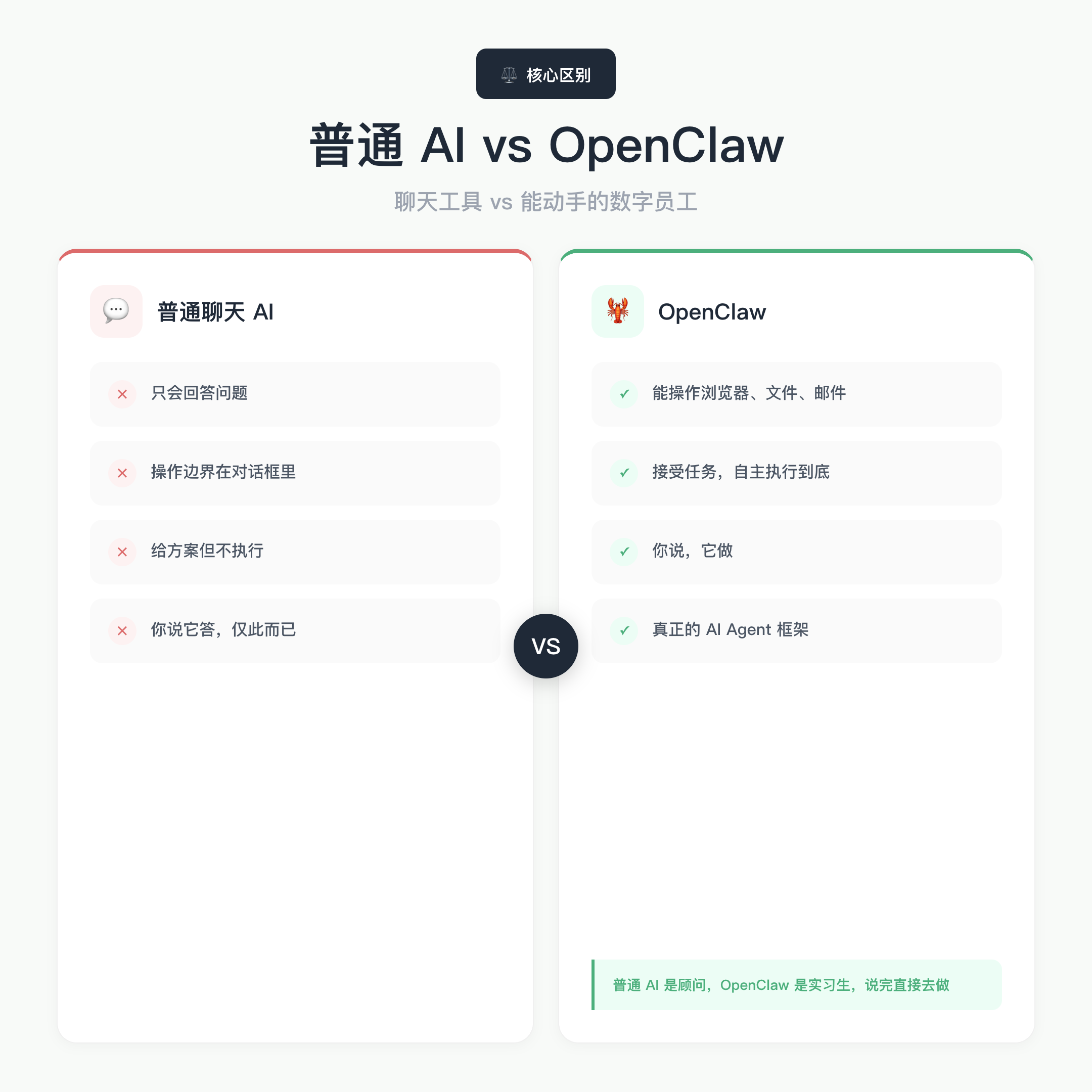
**OpenClaw itself has very low configuration requirements. ** It’s an Agent framework, which is equivalent to fitting an AI with a set of hands, while the brain (reasoning power) is from the big model APIs you access, and the computation runs on cloud servers, not your computer.
Use an analogy to understand: ordinary chat AI is a consultant, give you ideas but not help you to execute; OpenClaw is an intern, you say “help me to the competitor’s official website every day to update the content of the organization into a table send me”, it really will do it every day, do not have to worry about you again.
Minimum hardware requirements for a local installation of OpenClaw:
Accessories
Minimum Requirements
Operating Systems
Windows 11 / macOS 12+ / Ubuntu 22.04
RAM
4GB (8GB recommended for smooth)
Hard Disk
10GB of free space
Network
Stable Broadband
Graphics
No requirements (not needed if you are not running a local model)
Only if you want to “raise lobsters without spending API fees” and access local big models as your brain, you need a high end graphics card. Ordinary users do not need to go this way.
**Highlight: OpenClaw’s hardware threshold is close to zero, the bottleneck is in the network and API Key, not in your computer. **
Choose between two paths: local deployment vs cloud hosting
Figure out which way you want to go before you do it.
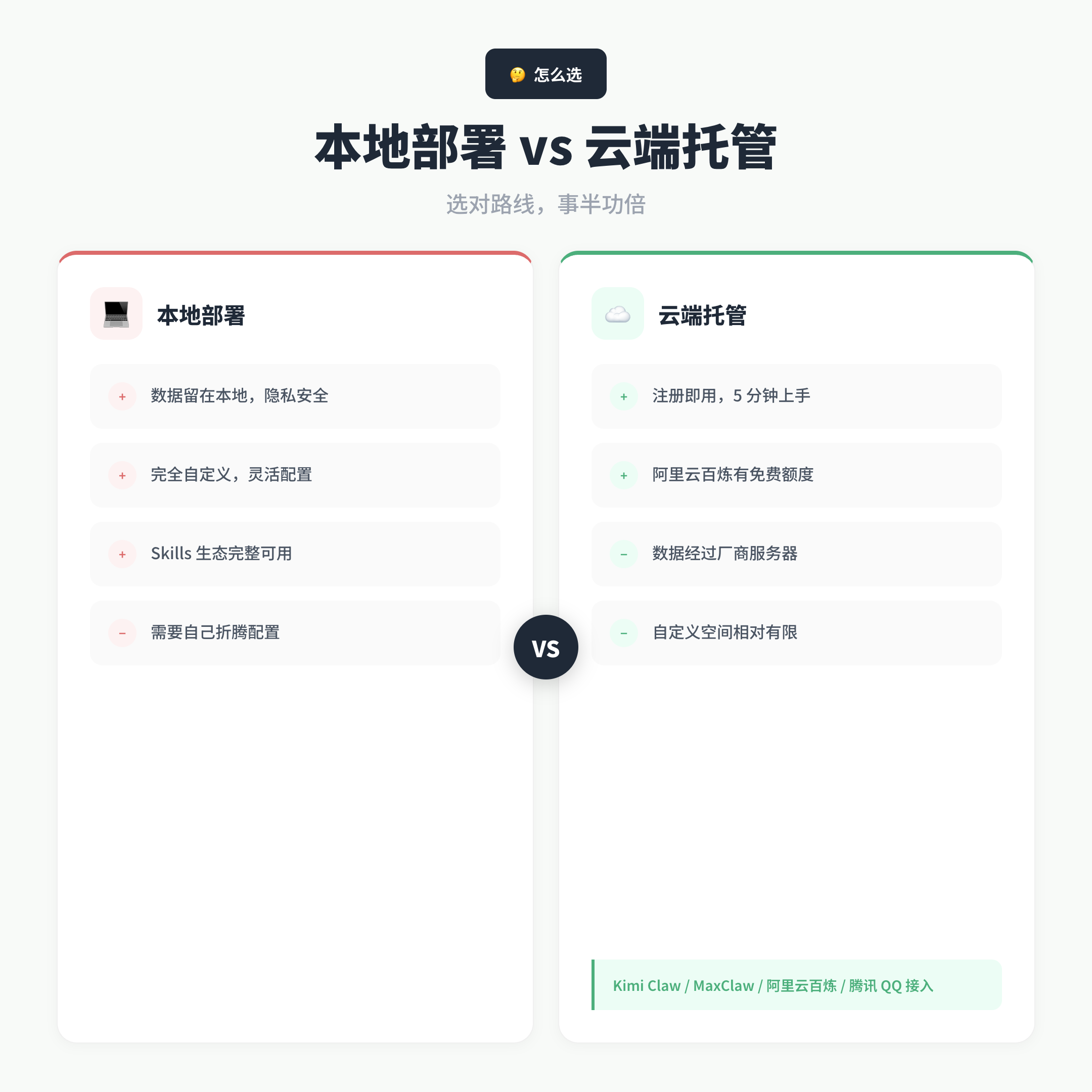
Local Deployment: Install OpenClaw on your own computer, configure the model API yourself, and keep the data locally for the most customizability. Suitable for users who have strong hands-on skills, have requirements for data privacy, or want to toss Skills (skill plug-ins).
Cloud Hosting: Directly use the shell version of the major manufacturers, register an account and you can use it, just as easy as using the web version of ChatGPT. Currently the main domestic options:
Kimi Claw (Dark Side of the Moon): hosted version of Lobster, out-of-the-box, ~$199/month (price subject to official updates)
MaxClaw (MiniMax): integrated in the MiniMax Agent web side, the cost is included in the basic subscription, good price/performance ratio
** AliCloud Hundred Refinement **: one-key deployment plus a thousand questions model, new users have a free quota, the lowest threshold
Tencent QQ access : code scanning in the cell phone QQ call, suitable for users not interested in technology at all
The disadvantages of the hosted version are: the data goes through the vendor’s servers, which is not suitable for privacy requirements; the space for feature customization is also relatively limited.
If you want to really understand the full capabilities of OpenClaw, it is recommended to walk through the local deployment process. The following focuses on that path.
Full local deployment process: 4 steps to run through the process
The first step: prepare Node.js environment
The installation of OpenClaw relies on Node.js. Recommended Node 24, Minimum Node 22.14+ (official documentation requires this).
Open a terminal to check the version: node –version and npm –version. If you don’t have it installed, go to the Node.js website to download the latest version. Windows users are advised to run it as administrator with PowerShell to avoid permissions issues.
Interesting: many tutorials skip this step, and then the user gets halfway through the installation and reports an error and can’t find out why. the wrong version of Node is one of the most common pitfalls.
Step 2: Install the OpenClaw global package
For macOS / Linux users, one-click installation with the official script is recommended. You can also install it globally with npm:
npminstall-gopenclaw@latest
Domestic Network Note: The initialization process needs to pull some of the overseas dependencies, it is recommended to open the proxy in advance (TUN mode is recommended to ensure that the terminal traffic also goes through the proxy), otherwise you may get stuck in the dependency installation stage.
Step 3: Run the Newbie Orientation (key step)
After the installation is complete, run the initialization wizard:
openclaw onboard --install-daemon
The official documentation says the process takes about 5 minutes. The wizard will guide you through the following configuration:
Risk Disclosure Acknowledgement: AI Agent has the permission to operate local files.
Startup Mode: Select Quick Start, suitable for first time deployment.
Select Model Service Provider: See the next section.
Enter API Key: Paste the key for the corresponding model.
**Remember: skipping Skills and IM in the initialization phase won’t affect the core functionality, and it’s much better to run it successfully and then explore it incrementally, rather than making too many mistakes in one batch. **
Step 4: Verify successful deployment
Once the onboard is complete, run openclaw gateway status. You see the Gateway listening on port 18789, which means the service is working.
Run the openclaw dashboard again, the browser will automatically open the control UI. send Hello in the chat box, and the AI replies normally, indicating that the model is connected successfully.
**Want to verify that the Agent capability is working? ** Send this command: “Please create a folder on your desktop called “test”. If the folder appears on your desktop, OpenClaw has been given access to the local file system and the deployment has been successful.
How to Choose a Brain: Model Configuration Recommendations for Domestic Users
OpenClaw is a framework, itself has no reasoning ability, you need to connect a large model API as the brain. If you choose the right model, you can use it smoothly; if you choose the wrong one, you will have a bad experience.
Prioritization of domestic users:
Models
Recommended Reasons
Cost
AI GLM-4.7
Chinese commands follow the ability, fast response, cost-effective
Register to send quota
Qwen
Stable domestic direct connection, free credit for new users
90 days free
MiniMax
Fast speed, cheap price
Register for credit
Kimi
Fast speed, domestic direct connection
Free credit for recharging
Claude / GPT-4
Most capable, but need a proxy
More expensive
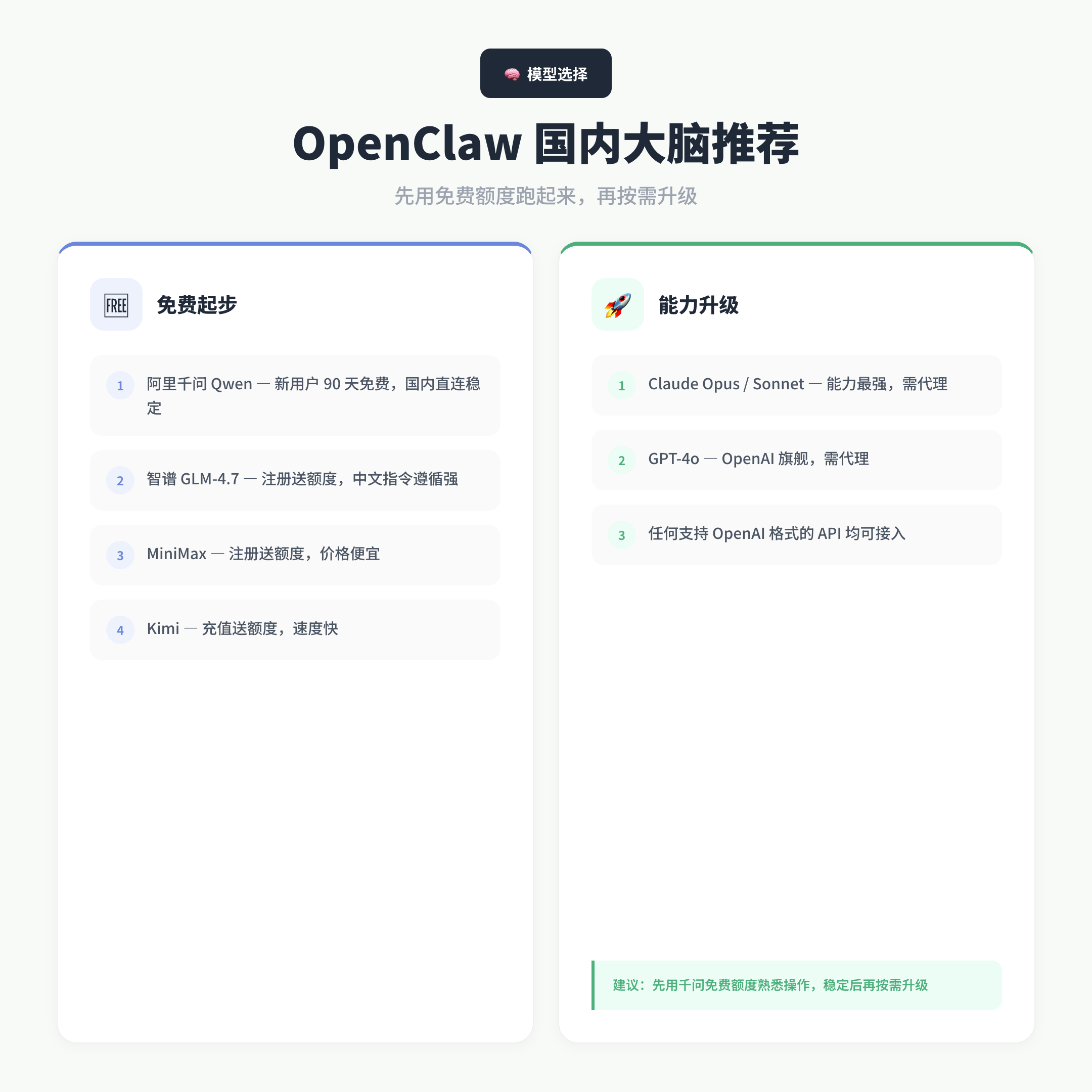
For most people, get started with a free credit from Aliqi and familiarize yourself with the basics of OpenClaw; then switch to Claude or GPT-4 when you want stronger reasoning skills.
In the onboard wizard, select “Z.AI” to correspond to Zhipu AI and “Qwen” to correspond to Aliqianqian.You can apply for the API Key in the console of each platform and paste it in.
Don’t be kidnapped by the tool, make the tool work for you. Models can be switched at any time, and it’s much more important to run first than to pick the best solution.
Skills Installation: The Key to Activating Lobster Hands-On Skills
OpenClaw can only chat without Skills, but only when you install the right ones can you actually operate the browser, manage files, send email, and run scripts.Skills are the lobster’s toolkit, and every one of them makes it one more thing it can do.
But one thing must be made clear: The Skills marketplace is a security risk. There have been cases where security firms have detected malicious skills masquerading as cryptocurrency tools or video aids that actually steal user data.
Security principles:
Only install skills that are officially recommended or have high downloads and good ratings in the ClawHub marketplace.
For skills that involve account cookies, API keys, and money operations, you must read the permission requirements before installing them.
Use the hosted version of Kimi Claw, MaxClaw and other big companies, the security audit is relatively controllable.
Some users buy a Mac Mini to run OpenClaw to physically isolate the risk, which is a good practice to consider.
**The most dangerous thing is not not knowing, but thinking you do. ** Skills bring capabilities as well as risks, and careful installation is more important than anything else.
Written at the end
The essence of OpenClaw is to upgrade AI from a chat tool to a working digital employee. The configuration itself is not difficult, the core is just two things: run through the onboard wizard, and then choose a good big model API.
** The biggest pitfall is not technology, it’s expectations. ** A lot of people install it and realize that “it seems to be similar to chatting” for one reason: they didn’t install Skills, or they didn’t give clear task instructions.The upper limit of OpenClaw’s capabilities depends on how you use it, not on itself.
Once it’s running, the next steps can be explored: connecting to Telegram or Flybook channels (to talk directly to lobsters on your phone), limiting workspace directories (to avoid misuse of important files), and exploring various automated workflow playbooks.
Tools are not the goal, efficiency is.
If this article was helpful, feel free to leave a comment to discuss your experience with the configuration or tell us what pitfalls you encountered.